
Arcade
Browser games
Every game here runs straight in the browser you are already using. There is nothing to download, no launcher, no account to create and nothing left behind on the device afterwards — you click, and it starts.
All five are written and hosted by us. They carry no advertising, no sign-up and no third-party code, and each one has a full how-to-play guide written by the person who built it. Two are learning games. The coloring book is five free pages of the Switching Shoes coloring book, words and all — the letters of the story are hollow, so a child learning to read can color a sentence one letter at a time. Eye See You is a hunt through a crowd where every clue is a written description, which makes it a describing lesson for children learning English, with a free printable to go with it.
Browser-only is a deliberate choice. It means the games work on a school Chromebook, a shared family laptop, a phone in a waiting room and a tablet at a grandparent's house, all without asking anyone's permission to install something. It also means they are built for short sessions — a run, a match, a maze — rather than an evening.
- Instant play, no install
- No sign-up, no profile
- Keyboard, mouse or touch
Made by us
Our arcade
Built here, hosted here. Four games and a coloring book, each with a page of its own explaining the controls, the scoring and what the game is actually asking you to do.
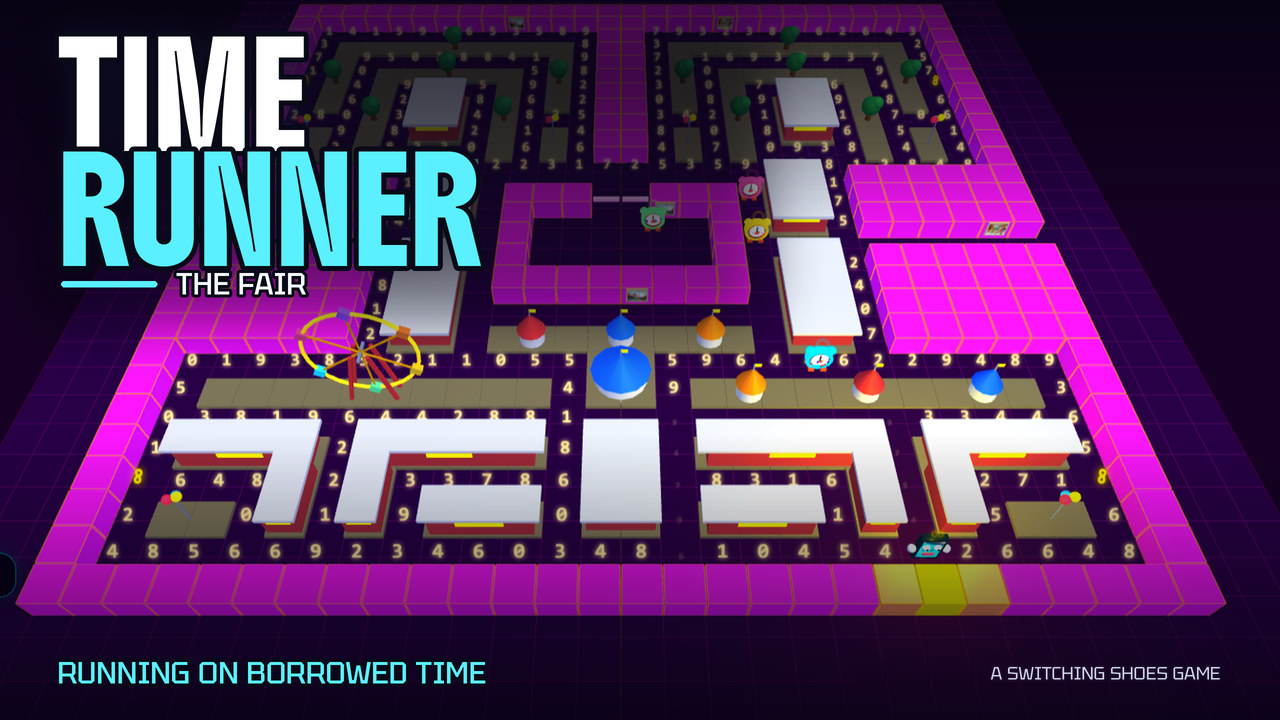
3D maze chase
Time Runner
Running on borrowed time.
A 3D maze chase set in the world of Switching Shoes. Collect numbers to buy back seconds, dodge four hunting alarm clocks, and survive all five locations from the book.
Play and read the guide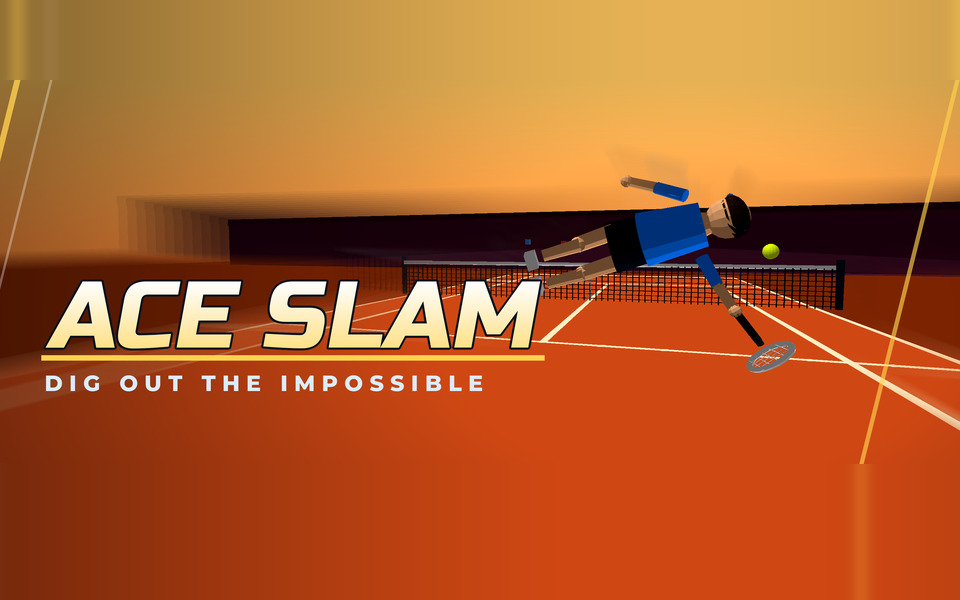
Arcade sports
Ace Slam
Dig out the impossible.
Fast, physical arcade tennis. Sprint the baseline, dive for the impossible return and rally your way to match point.
Play and read the guide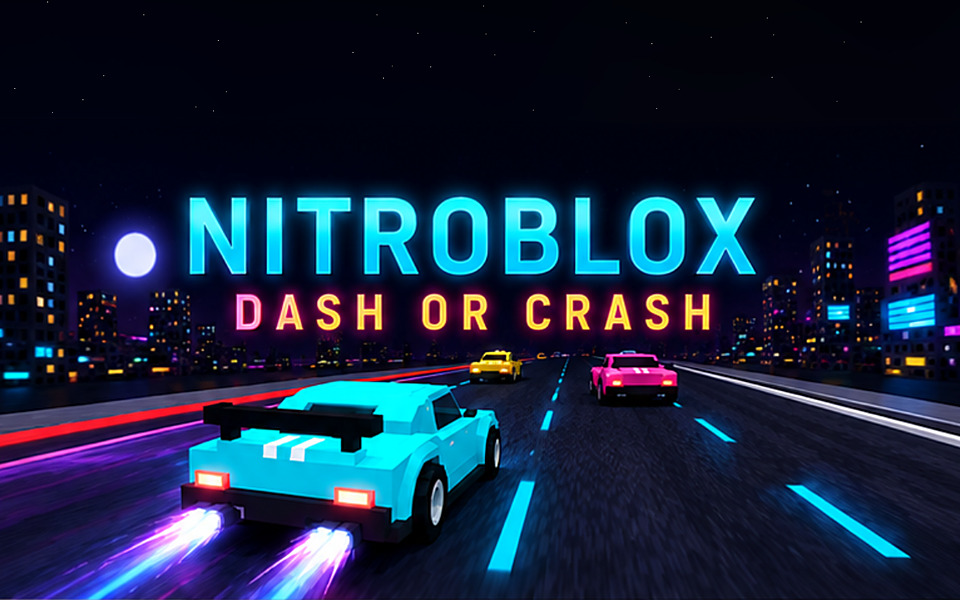
Endless racer
Nitroblox
Dash or crash.
A blocky neon night racer. Weave through traffic, hold the nitro and see how far you can push before the crash.
Play and read the guide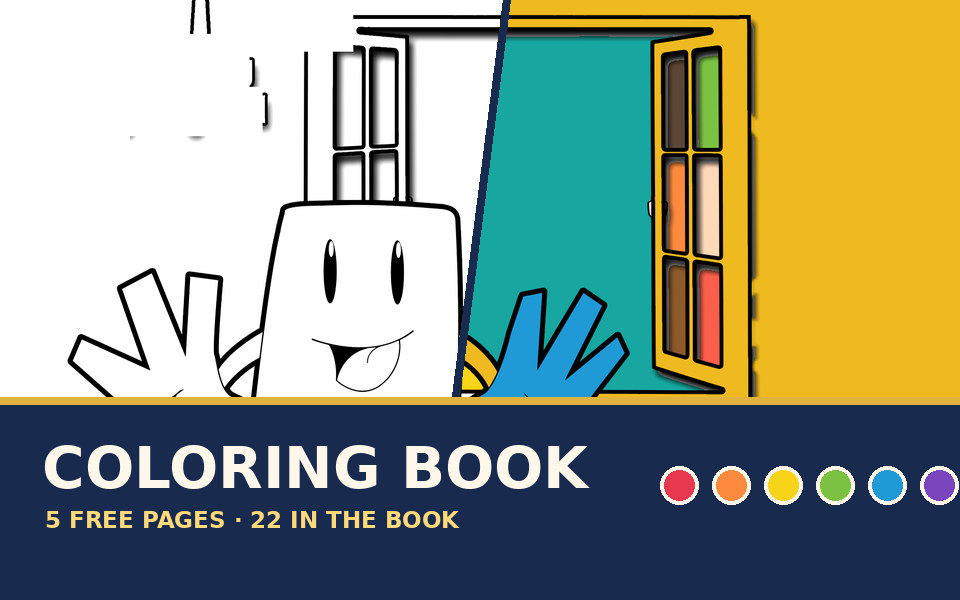
Coloring · early learning
Switching Shoes Coloring Book
Five pages of the book, free to color.
Five pages of the Switching Shoes coloring book, free in your browser — words and all. Fill, brush, undo and save your picture, right down to the letters of the story. The full 22-page book is in the store.
Play and read the guide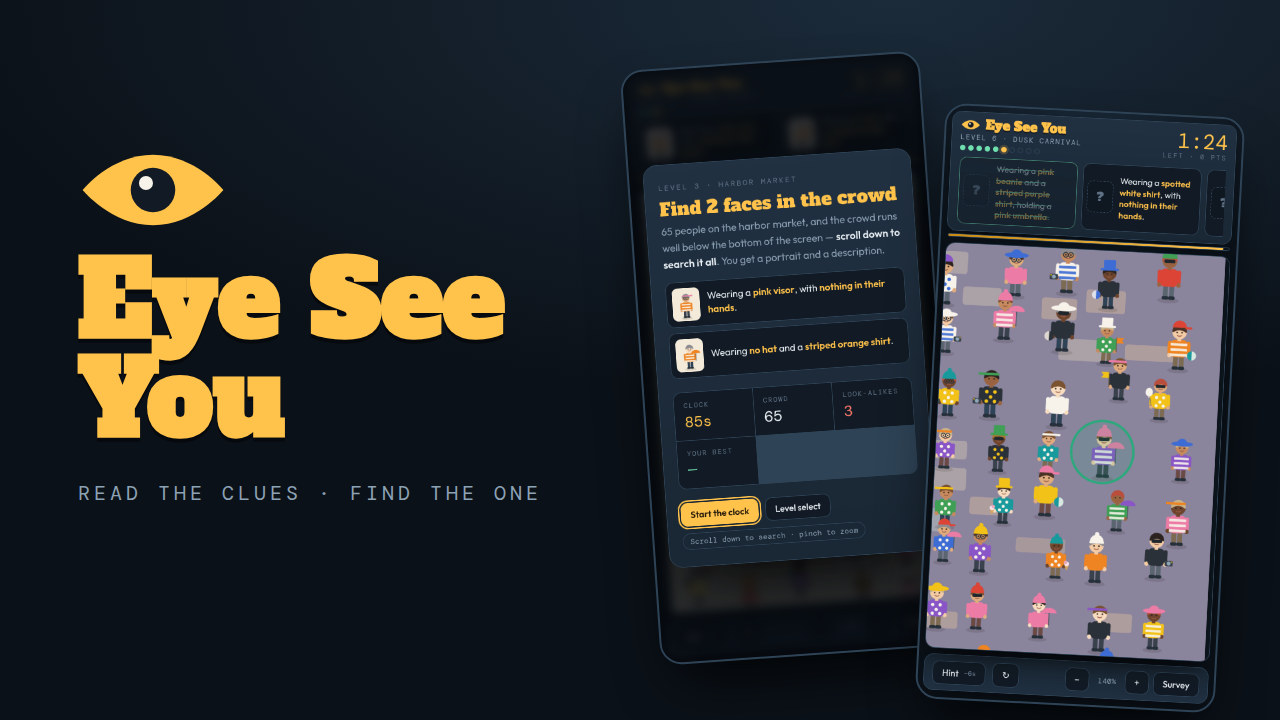
Scan and find · reading
Eye See You
Read the description. Find the one person it fits.
A timed scan-and-find game where every clue is a written description. Ten levels, bigger crowds each time, and look-alikes planted to catch anyone who skims.
Play and read the guide
Getting the best out of a browser game
Browser performance is the one part of this we do not control, so a few practical notes. Close other tabs before a run — these are timing games, and a dropped frame is a missed jump. On a phone, turn the device sideways for the action games, which are laid out for landscape; Eye See You is the exception, built to be played upright. If a game feels cramped in the window, use the fullscreen button on its page.
On a school-managed device the games will load as long as the domain is allowed by your school's filter. If it is blocked, that is set by the school and not something we can change from our end. And if a game runs badly on an older machine, it is worth trying a different browser before giving up — performance between browsers on the same computer can differ more than you would expect.
Why we build this wayFor teachers
Using these in a classroom
The games self-host everything they need, including their 3D library, so they run behind school filters that block outside content delivery networks. There are no accounts, so there is nothing for a child to sign up to and no data to hand over. If you are looking at these for a classroom, the educators page has reading levels for the books, free lesson companions and the answer to the copying question.
For teachers and homeschool families